
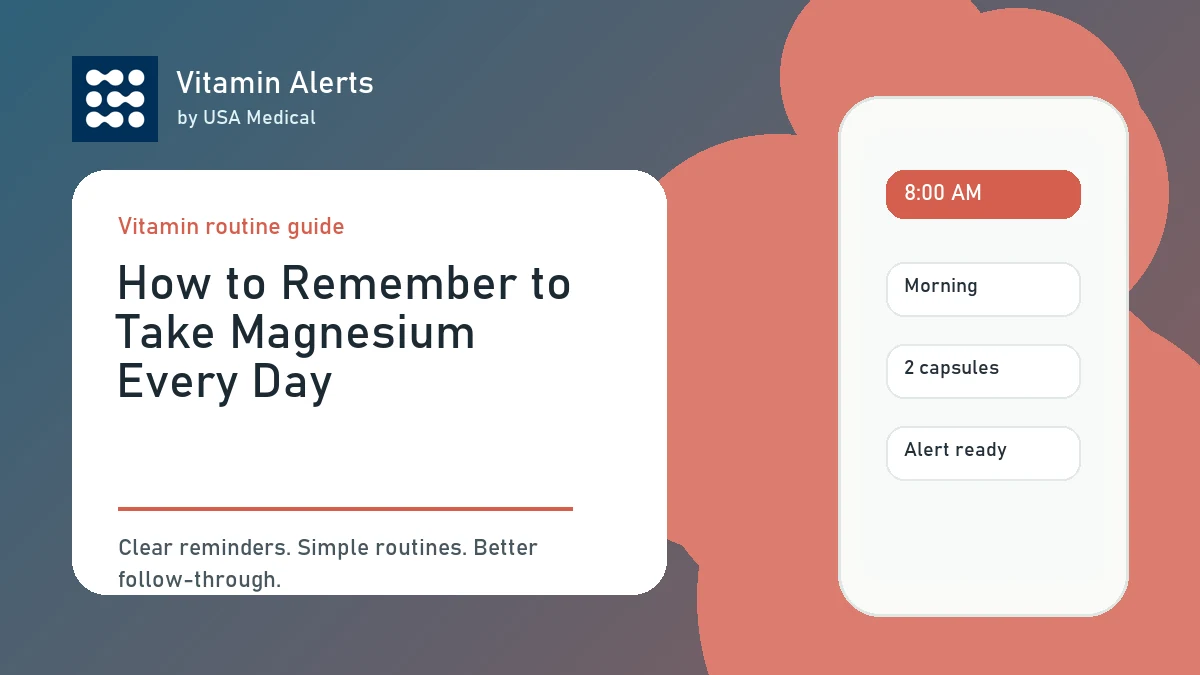
Magnesium only helps your routine if you actually remember to take it. Many people buy magnesium with good intentions, especially magnesium glycinate for nighttime routines, but then the bottle ends up in a cabinet, on a nightstand, or forgotten after a few days. The fix is not more motivation. The fix is a simple system. To remember to take magnesium every day, connect it to a habit you already have, set a clear reminder, keep the bottle where the routine happens, and track whether you took it.
Start With a Clear Magnesium Routine
For a related next step, read remember to take vitamins and keep building the routine one clear habit at a time. The easiest magnesium routine is the one that fits your real day.
Choose One Main Time
Do not start by trying to take magnesium at random times. Pick one routine time and make it consistent. Many people take magnesium glycinate at night because it fits sleep, relaxation, and muscle recovery routines. Others take magnesium in the morning because breakfast is when they remember supplements best. Good routine times include:
- After breakfast
- After coffee
- With dinner
- After brushing your teeth
- During your bedtime routine
- Before reading at night
The best time is not the “perfect” time. It is the time you can repeat.
Follow the Product Label
Before building the routine, read the label. Check the serving size, suggested use, amount of magnesium per serving, and warnings. This matters because one product may suggest one capsule, while another may suggest two capsules, gummies, tablets, or a scoop. Also check whether you already take magnesium in other products, such as a multivitamin, electrolyte powder, sleep blend, antacid, laxative, or mineral complex.
Start Simple
If you are new to magnesium, start with a simple routine. A simple routine might be:
- Take magnesium after dinner.
- Keep it near your evening routine.
- Set a reminder.
- Take it with water.
- Mark it complete.
That is enough. You can always improve the routine later.
Use a Reminder That Actually Works
A reminder should tell you exactly what to do.
Avoid Vague Alarms
A phone alarm that says “magnesium” may work for a few days, but it can become easy to ignore. A better reminder is specific:
- Take magnesium glycinate after dinner.
- Take magnesium before bed with water.
- Take magnesium after brushing teeth.
- Take nighttime supplements and start wind-down.
- Take magnesium and mark complete.
The reminder should remove thinking. When it appears, you should know exactly what action to take.
Use Vitamin Alerts for Magnesium Reminders
Vitamin Alerts is built for supplement routines, including magnesium. You can add magnesium as a USA Medical product or as a custom supplement, choose a routine time, customize the alert, and test the reminder before relying on it. This is more useful than a basic alarm because the reminder is tied to the supplement routine itself. Vitamin Alerts can help you set magnesium reminders around:
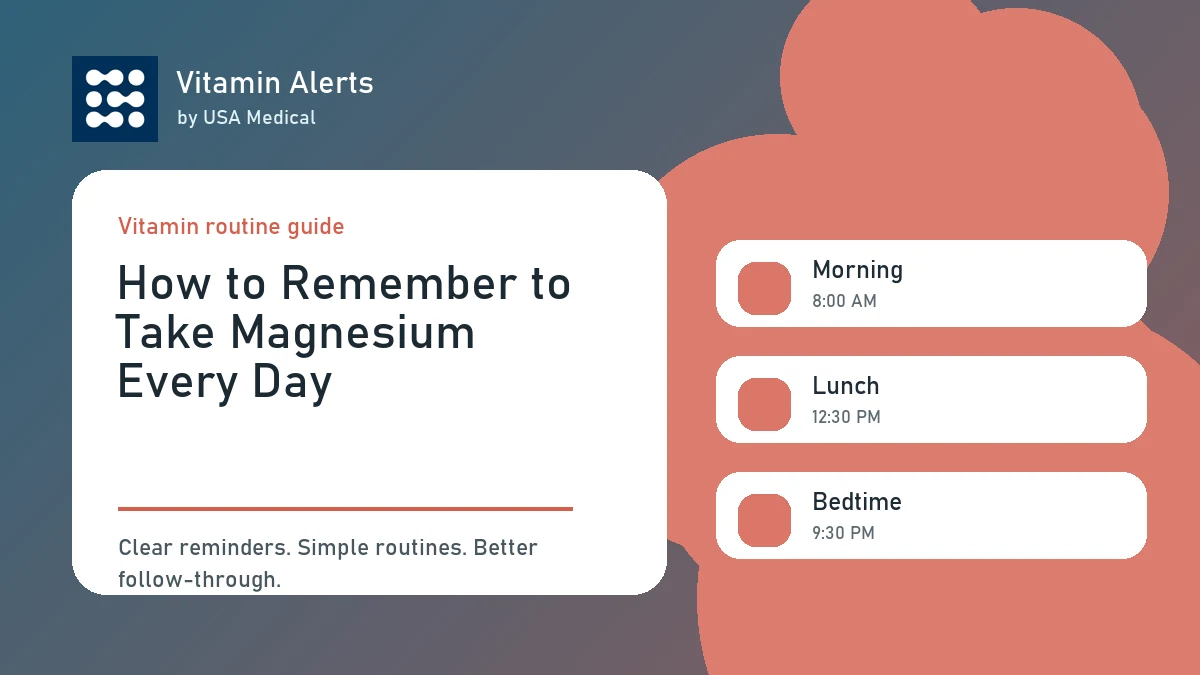
- Morning
- Lunch
- Evening
- Bedtime
- Breakfast
- Dinner
- Custom routine times
Test Your Alert
A reminder only works if your phone actually shows it. After setting your magnesium reminder, test it. If it does not appear, check notification permissions, Focus Mode, Do Not Disturb, Sleep Mode, time zone, and schedule settings. This matters especially for bedtime magnesium reminders, because phones often silence notifications at night.
Put Magnesium Where the Habit Happens
For a related next step, read night vitamin routine checklist and keep building the routine one clear habit at a time. Your environment should make the magnesium routine obvious.
Keep It Visible but Safe
If your magnesium bottle is hidden in a cabinet, you are relying on memory alone. Place it where the habit happens. If you take magnesium after dinner, keep it near your evening supplement area. If you take it before bed, keep it near your bedtime routine. If you take it in the morning, keep it near breakfast or coffee. Always store supplements according to the label and keep them away from children and pets.
Keep Water Nearby
Small friction causes missed habits. If your reminder goes off but you need to find the bottle, find water, read the label, and decide what to do, you are more likely to delay it. Delaying often becomes forgetting. A strong setup includes:
- Magnesium bottle
- Water
- Reminder
- Clear serving plan
- Completion checkoff
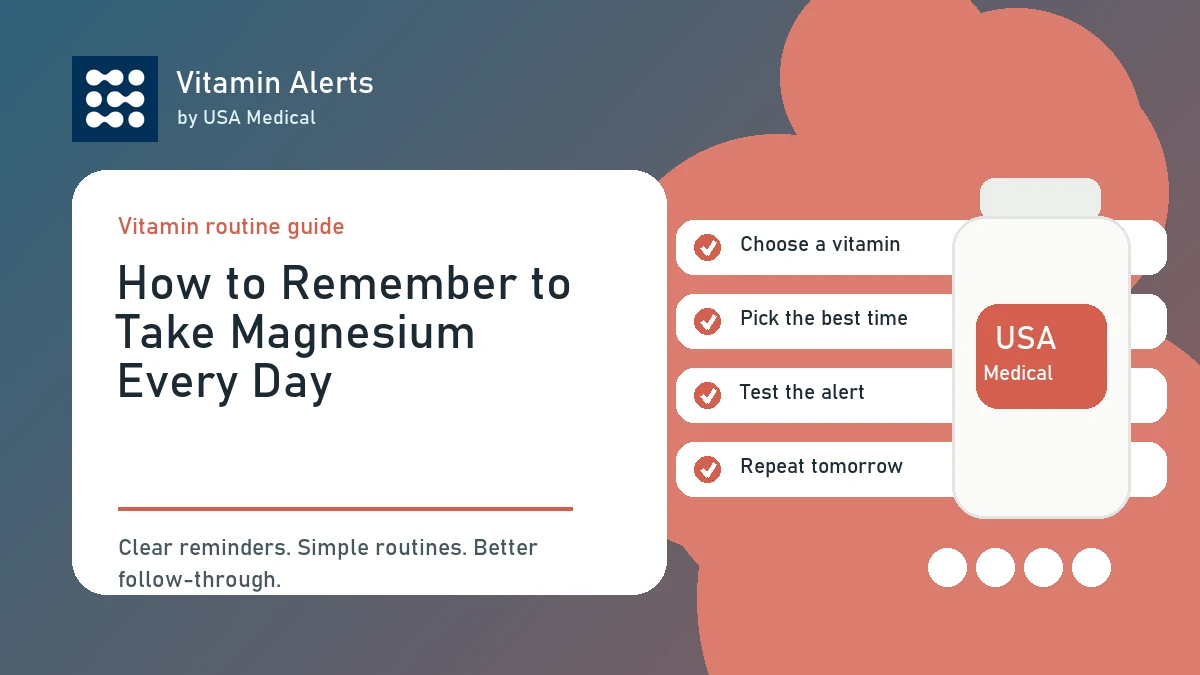
Use a Weekly Organizer if Needed
If you take multiple supplements, a weekly organizer can help. It gives you a visual way to see whether you already took your magnesium. If today’s compartment is full, you probably have not taken it. If it is empty, you probably did.
Track Magnesium Without Overcomplicating It
Tracking should help the habit, not make it harder.
Mark It Complete
The most useful tracking question is simple: did you take it today? Mark magnesium complete immediately after taking it. Do not wait until later. Later is when you forget. You can track with:
- Vitamin Alerts
- A pill organizer
- A printed checklist
- A notes app
- A calendar checkmark
Use Daily Check-Ins Lightly
Vitamin Alerts also includes optional daily check-ins for water, protein, movement, sleep, mood, energy, stress, digestion, and notes. This can help you notice patterns around your magnesium routine. For example, you may notice that you remember magnesium more often when you take it after dinner, or that bedtime reminders work better than morning reminders. Do not turn it into a medical record. Keep the check-ins simple.
Track Supply Before You Run Out
Running out breaks the habit. If your magnesium bottle is empty, the reminder cannot help. Use optional supply notes or a simple restock reminder so you know when the bottle may be running low. A simple rule is to reorder when you have about one to two weeks left.
What to Do If You Miss a Day
For a related next step, read best reminder times for vitamins and supplements and keep building the routine one clear habit at a time. Missing one day does not ruin the routine.
Return at the Next Normal Reminder
If you miss magnesium one night, do not abandon the habit. Just return at the next normal reminder. Do not double up unless the label or a healthcare professional specifically tells you to. The goal is consistency over time, not perfection.
Adjust the Reminder if You Keep Missing It
If you keep missing magnesium, the routine needs adjustment. Ask:
- Is the reminder too late?
- Is the bottle too far away?
- Is the alert too vague?
- Is my phone silencing the reminder?
- Would dinner work better than bedtime?
- Would morning work better than night?
Watch for Side Effects
Magnesium supplements can cause loose stool, diarrhea, nausea, or cramping, especially if the serving is too high or if you combine multiple magnesium products. If side effects appear, scale back, review the label, check other magnesium sources, and ask a healthcare professional if symptoms continue. People with kidney disease, prescription medications, pregnancy, or complex health concerns should ask before taking magnesium.
How to Set Up Magnesium in Vitamin Alerts
Vitamin Alerts makes the magnesium routine simple.
Step 1: Add Magnesium
Open Vitamin Alerts and add magnesium as a USA Medical product or custom supplement. Use a clear name such as:
- Magnesium Glycinate
- Night Magnesium
- Bedtime Magnesium
- Magnesium Capsules
- Evening Magnesium
Step 2: Choose a Routine Time
Pick the time you are most likely to take it. For many people, that is evening or bedtime. For others, breakfast works better. Choose the time you can repeat.
Step 3: Customize and Test the Alert
Set a reminder message that tells you what to do. Examples:
- Take magnesium after dinner.
- Take magnesium with water before bed.
- Take magnesium and start your wind-down routine.
Then test the alert. Download or start Vitamin Alerts
Conclusion: Remembering Magnesium Comes Down to the Right System
The best way to remember to take magnesium every day is to stop relying on memory alone. Choose one routine time, follow the label, put magnesium where the habit happens, set a specific reminder, and mark it complete after taking it. If you keep missing it, adjust the time, location, or alert wording. If side effects happen, scale back and review your total magnesium intake. Vitamin Alerts helps by giving your magnesium routine a clear schedule, customizable reminders, optional check-ins, and a simple way to build consistency.
FAQ
How do I remember to take magnesium every day?
The easiest way is to connect magnesium to a habit you already do, such as dinner, brushing your teeth, breakfast, or bedtime. Then set a specific reminder and keep the bottle nearby.
What is the best time to take magnesium?
The best time is the time you can take it consistently. Many people take magnesium glycinate at night, while others prefer morning or dinner.
Can Vitamin Alerts remind me to take magnesium?
Yes. You can add magnesium to Vitamin Alerts, choose a routine time, customize the alert, and test the reminder.
Should I take magnesium at night?
Many people take magnesium at night because it fits sleep, relaxation, and muscle recovery routines. Follow your product label and choose a time you can repeat.
What if I forget magnesium one day?
Return at the next normal reminder. Do not double up unless the label or a healthcare professional specifically says to.
Can magnesium cause diarrhea?
Yes. Magnesium supplements can cause loose stool, diarrhea, nausea, or cramping, especially if the serving is too high or combined with other magnesium products.
Should I track magnesium every day?
Yes, but keep it simple. Track whether you took it, the time, and any useful notes such as digestion or sleep routine. Do not overcomplicate it.
Can I use Vitamin Alerts for other supplements too?
Yes. Vitamin Alerts supports USA Medical products and custom supplements from other brands.
Turn this guide into a real reminder routine.
Vitamin Alerts helps you add vitamins, choose routine times, test alerts, and come back to the same schedule tomorrow.
Comments
Public comments are coming later. For now, send article feedback or vitamin routine questions through the support page.
Contact support