

Running out of vitamins is one of the easiest ways to break a good routine. You finally start taking your supplements consistently, the habit begins to feel normal, and then one morning the bottle is empty. A few days pass, you forget to reorder, and suddenly the routine is gone. The fix is simple: track your supply before you run out. When you know how many servings are in the bottle, how many servings you take per day, and when to reorder, your vitamin routine becomes much easier to maintain. If consistency is the bigger issue, pair this with how to stay consistent with daily supplements.
What Does It Mean for Vitamins to Be Running Low?
Running low means you have fewer servings left than you need to comfortably reorder before the bottle is empty.
Track Servings, Not Just Capsules or Gummies
The most important rule is to track servings.
A bottle might contain 120 capsules, but that does not always mean 120 days of use. If the serving size is 2 capsules, then the bottle has 60 servings. If you take one serving per day, it lasts about 60 days. If you take two servings per day, it lasts about 30 days.
This is where many people make mistakes. They look at the number of capsules, tablets, gummies, or scoops and assume that is the number of days left. Instead, look for the serving size and servings per container on the label.
Simple example:
If the product is a powder, liquid, or gummy, the same rule applies. Track the serving, not the individual scoop, drop, gummy, or capsule count.
To know when vitamins are running low, count how many servings are left, not just how many pieces are left.
Know Your Daily Use Rate
Your daily use rate is how many servings you take per day.
For most people, this is simple: one serving per day. But some routines are different. You might take a supplement twice per day. You might share a product with someone else in your household. You might only take a product on certain days of the week.
Use this simple formula:
- Days left = servings remaining divided by servings used per day
- Examples:
If two people use the same bottle every day, count that as two servings per day. If you take the product only three times per week, your supply will last longer, but your reminder system should still be clear.
Once you know your daily use rate, you can predict when the bottle will run out.
Set a Reorder Buffer
A reorder buffer is the number of days you want remaining when you get reminded to restock.
Do not wait until the bottle is empty. That is how routines break. Instead, choose a low stock threshold that gives you enough time to reorder, receive the product, and keep the habit going.
A simple buffer:
- 7 days left for products you can buy locally
- 10 days left for products you usually order online
- 14 days left for products that may take longer to ship
- 21 days left for products you never want to be without
For most daily vitamins, a 7 to 14 day buffer is practical. It gives you enough time to reorder before the bottle is empty without making you restock too early.
A reorder buffer gives your future self enough time to restock before the routine breaks.
Running low is not about waiting for the last capsule. It is about knowing when to reorder early enough to stay consistent.
How to Calculate When Your Vitamins Will Run Out
A simple calculation can save you from guessing.
Step 1: Find the Servings Per Container
Start with the label.
Look for "servings per container" or calculate it from the serving size and total count. Many Supplement Facts labels show serving size and servings per container clearly. If the bottle says 60 servings, that is your starting number.
If servings per container is not obvious, calculate it:
- Total count divided by serving size = servings per container
- Examples:
- 90 capsules, serving size 1 capsule = 90 servings
- 120 capsules, serving size 2 capsules = 60 servings
- 180 gummies, serving size 3 gummies = 60 servings
- 30 scoops, serving size 1 scoop = 30 servings
The servings per container number tells you the real supply inside the bottle.
Step 2: Decide How Many Servings You Take Each Day
Next, write down how often you use the product.
Most daily supplements are easy to track because the schedule is consistent. If you take one serving every morning, your use rate is one serving per day. If you take one serving in the morning and one at night, your use rate is two servings per day.
If your schedule changes by day, use a weekly estimate.
For example:
You take a supplement 5 days per week.
The bottle has 60 servings.
60 servings divided by 5 servings per week = about 12 weeks of supply.
This is useful for products that are not taken daily, but most people should start with the daily calculation because it is easier to maintain.
Your use rate turns a bottle count into a realistic supply estimate.
Step 3: Calculate Days Left
Use the simplest formula possible.
Days left = servings left divided by servings used per day
Example:
- You have 45 servings left.
You take 1 serving per day.
45 divided by 1 = 45 days left.
Another example:
- You have 45 servings left.
You take 2 servings per day.
45 divided by 2 = about 22 days left.
You do not need perfect math. You need a useful estimate that tells you when to reorder.
A rough days left estimate is usually enough to keep your routine from being interrupted.
Step 4: Set Your Reorder Date
Your reorder date is the day you should buy more.
Use this formula:
- Reorder date = estimated run out date minus your reorder buffer
- Example:
Your bottle will run out in 30 days.
You want a 10 day reorder buffer.
You should reorder in 20 days.
Another way to think about it:
If you want to act when 10 days are left, write down a reorder trigger for 10 servings remaining if you take one serving per day.
This is exactly the kind of problem a simple tracker can make easier. Instead of guessing every week, record the servings, schedule, and reorder trigger in one place.
For a broader tracking setup, use the daily supplement tracker to decide which details are useful enough to record.
A reorder date helps you restock before the bottle becomes empty.
Calculating your vitamin supply only takes a minute, but it can prevent weeks of inconsistency.
If you already have serving counts but not reminder times, use the vitamin schedule template to connect each bottle to a clear time of day.
The Simple Vitamin Low Stock Tracker
A low stock tracker gives every bottle a clear refill plan.
Vitamin Refill Tracker Template
Use this template for each vitamin or supplement you take.
Here is an example:
This template is simple, but it is powerful. It gives every product a timeline. You no longer have to shake the bottle and guess.
A refill tracker turns each supplement into a predictable schedule.
Weekly Low Stock Check
A weekly check keeps your tracker accurate.
Choose one day per week to look at your bottles, organizer, and app. Sunday is common because it pairs well with weekly planning, but any consistent day works.
Your weekly low stock check can be simple:
Look at each bottle in your daily routine.
Check whether any bottle has 7 to 14 days left.
Refill your pill organizer if you use one.
Update your tracker or app.
Reorder anything below your low stock threshold.
This should take less than five minutes if your system is clean.
A weekly check helps you catch low supply before it becomes a problem.
Use Visual Cues for Bottles Without Exact Counts
Sometimes you will not know the exact count.
Maybe you forgot when you opened the bottle. Maybe it is a powder and you are not sure how many scoops are left. Maybe more than one person used it. In that case, use a visual low stock cue.
Visual cues include:
- Marking the bottle with the date opened
- Placing a rubber band around the bottle when it reaches the final third
- Adding a sticky note that says "reorder soon"
- Moving low stock bottles to a refill area
- Taking a quick photo of the bottle level once per week
This is less precise than serving math, but it is still better than doing nothing.
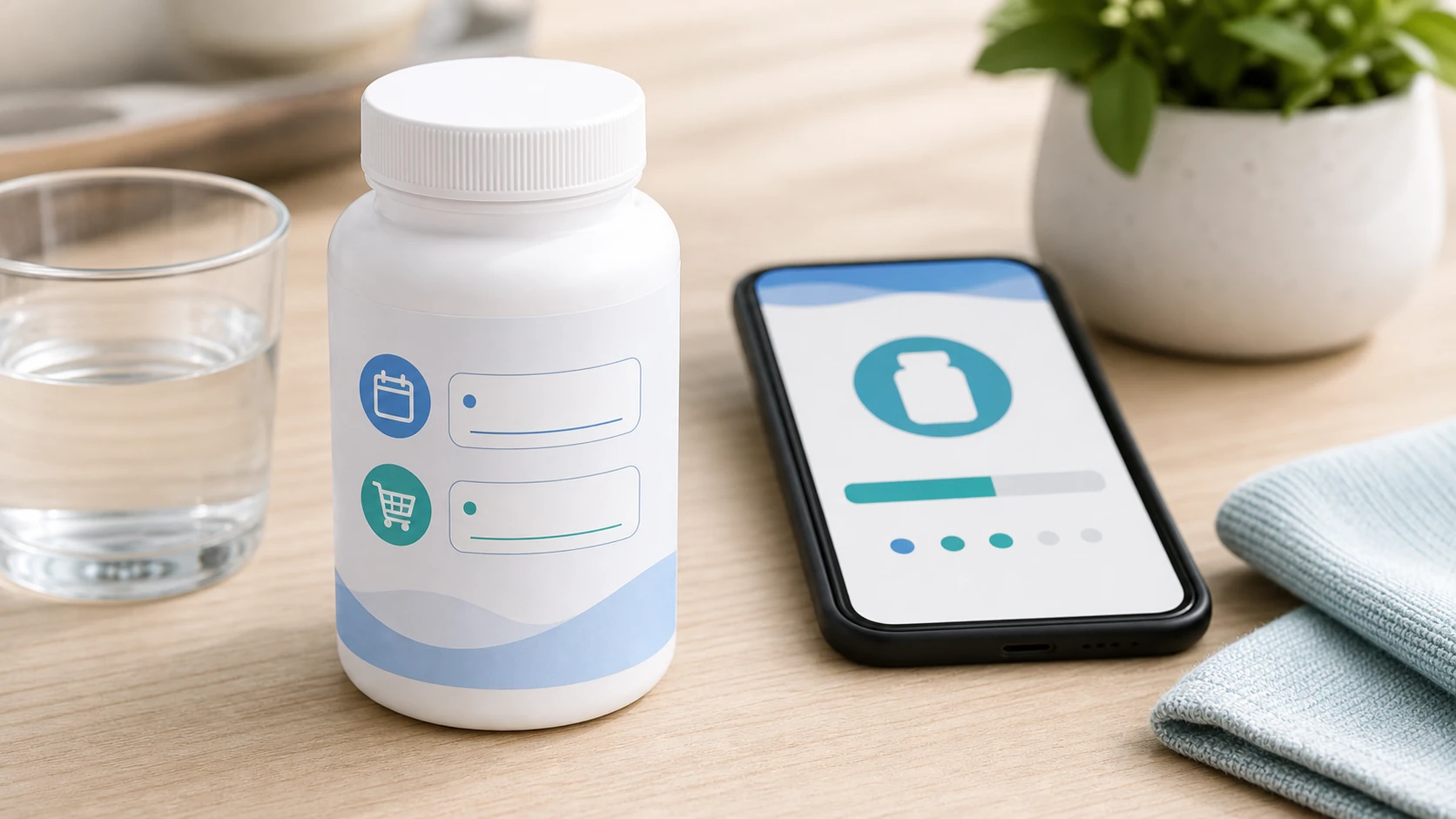
When exact counting is hard, visual cues can still keep the refill habit alive.
A simple tracker, weekly check, and visual cue system can prevent most surprise empty bottles.
How to Pair Vitamin Alerts With Supply Tracking
Vitamin Alerts currently focuses on the reminder routine: what to take, when to take it, and how to make the alert hard to miss. For supply, use a simple weekly check alongside the app.
For the daily alert side, follow how to set supplement reminders on your phone so the reminder routine is clear before you add supply checks.
Add a Weekly Supply Check
The easiest version is a weekly reset.
Choose one day each week to open your vitamin station, refill any organizer, and check which bottles are getting low. If you use Vitamin Alerts, put this check near the same routine block where you already review your schedule.
A useful weekly check includes:
- Which bottles are below half full?
- Which bottles are below one quarter full?
- Which products need to be ordered this week?
- Did any serving schedule change?
- Does any reminder time need to move?
This keeps the supply habit tied to the reminder habit without claiming the app is automatically counting every bottle today.
Use a Reorder Buffer
A reorder buffer is the number of days you want remaining before you buy more.
For most daily supplements, a 7 to 14 day buffer is practical. If shipping is slow, use a larger buffer. If you buy the product locally, a shorter buffer may be enough.
Examples:
- Daily vitamin: reorder when about 14 servings remain
- Local product: reorder when about 7 servings remain
- Online order: reorder when 10 to 14 servings remain
- Shared household product: reorder earlier because it runs out faster
The key is to act early enough that the routine does not stop.
Mark the New Bottle Date
When a new bottle arrives, write the opened date on the label or keep a note in your phone.
A simple reset looks like this:
- New bottle arrives.
- Write the opened date.
- Check servings per container.
- Estimate the next reorder date.
- Put the bottle back where the routine happens.
Resetting the supply estimate keeps the refill habit easy.
If your bottles are scattered across drawers, bags, and counters, the guide to organize vitamins without a pill box can make the weekly check much easier.
Track Taking and Reordering Together
The best system protects both habits: taking vitamins and having vitamins available.
The routine should look like this:
- Reminder goes off.
- Take vitamin.
- Mark dose complete.
- Notice bottle level during the weekly reset.
- Reorder before the bottle is empty.
Vitamin Alerts handles the daily reminder side today. A weekly supply check handles the refill side.
Common Mistakes When Tracking Vitamin Supply
Most refill problems come from a few simple mistakes.
Mistake 1: Counting Pills Instead of Servings
If a serving is 2 capsules, a 120 capsule bottle is not 120 days.
Always check the serving size. This is especially important for gummies, capsules, powders, and multi capsule formulas.
Servings are the real unit that matters.
Mistake 2: Waiting Until the Bottle Is Empty
Empty is too late.
By the time the bottle is empty, your routine is already interrupted. Reorder before empty. A 7 to 14 day buffer is usually the easiest fix.
The best refill reminder happens before you urgently need it.
Mistake 3: Ignoring Shared Use
If someone else uses the same bottle, it will run out faster.
Two people taking one serving per day equals two servings per day. A 60 serving bottle will last about 30 days, not 60.
Shared bottles need earlier low stock checks.
Mistake 4: Forgetting to Reset the Tracker
When you open a new bottle, update your tracker.
If you forget to reset the supply count, your estimate becomes wrong. Make resetting the tracker part of opening the bottle.
Every new bottle should restart the supply count.
Mistake 5: Not Tracking Travel Bottles
Travel containers can make supply confusing.
If you move two weeks of vitamins into a travel organizer, the main bottle will look lower, but your routine still has supply elsewhere. Track travel packs separately or refill them from the same system.
Travel vitamins should be included in your supply plan.
Avoiding these mistakes makes your supply checks much more accurate.
Conclusion: Track Vitamins Before They Run Out
Tracking when your vitamins are running low is one of the simplest ways to protect your routine. Start with the serving size and servings per container, calculate how many servings you use each day, and set a reorder reminder before the bottle is empty. Use a template, weekly check, or vitamin reminder app to keep the system simple. When you track both doses and supply, you are less likely to miss days, run out unexpectedly, or lose the habit you worked to build.
FAQ
How do I know when my vitamins are running low?
Check the servings per container, estimate how many servings are left, and compare that to how many servings you take per day. If you have fewer than 7 to 14 days left, it is usually time to reorder.
What is the best way to track supplement refills?
The best way to track supplement refills is to use a simple refill tracker or vitamin reminder app. Track the supplement name, servings per container, servings used per day, date opened, estimated run out date, and reorder date.
Should I count capsules or servings?
You should count servings. A bottle may have 120 capsules, but if the serving size is 2 capsules, it only has 60 servings. Servings give you the real estimate of how long the bottle will last.
When should I reorder my vitamins?
A practical rule is to reorder when you have 7 to 14 days of servings left. If shipping is slow or you never want to be without a product, set the reminder earlier.
Can a vitamin reminder app track when supplements are low?
Some vitamin reminder apps can help track low stock if they let you enter servings per container, serving frequency, and a reorder threshold. Vitamin Alerts currently focuses on reminders and routine setup, so use a weekly supply check alongside the app.
Why do I keep running out of vitamins?
You may keep running out because you are not tracking servings, waiting until the bottle is empty, forgetting to reorder, sharing the bottle with someone else, or not resetting your tracker when a new bottle arrives.
Turn this guide into a real reminder routine.
Vitamin Alerts helps you add vitamins, choose routine times, test alerts, and come back to the same schedule tomorrow.
Comments
Public comments are coming later. For now, send article feedback or vitamin routine questions through the support page.
Contact support