
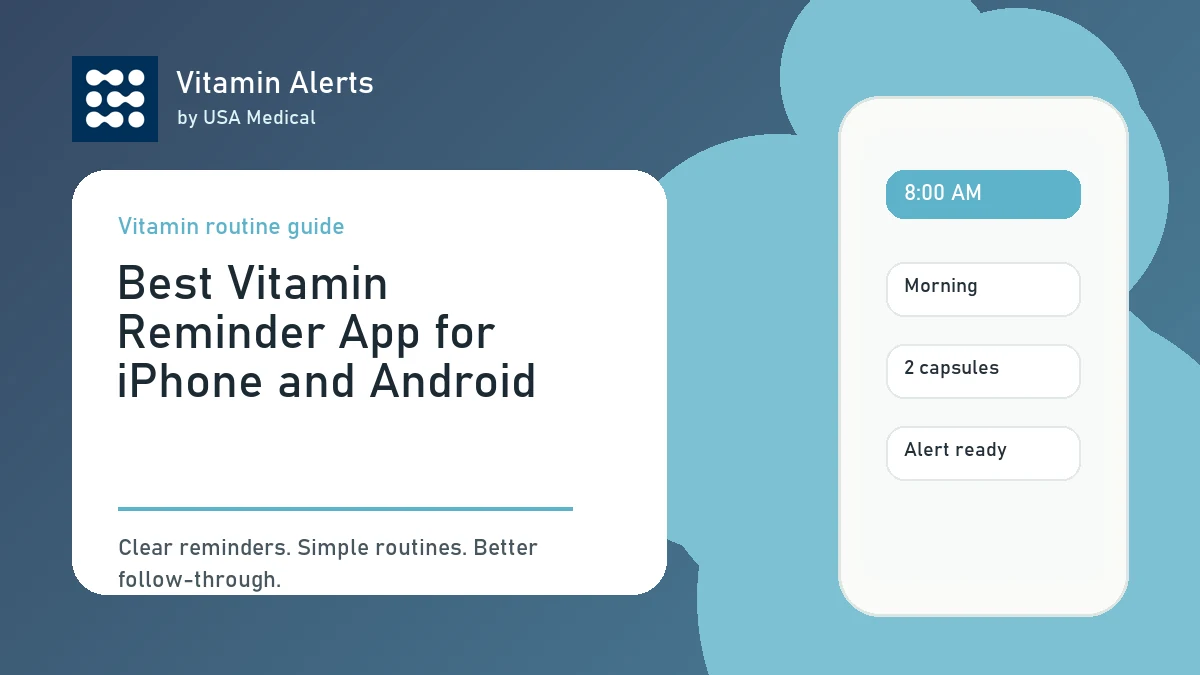
The best vitamin reminder app for iPhone and Android should do one thing very well: help you actually remember your supplements. Most people do not need a complicated medical dashboard to take vitamins consistently. They need a simple way to add their vitamins, choose routine times, receive alerts, and keep the habit going. Vitamin Alerts by USA Medical is built around that exact problem. It helps you create a supplement schedule, customize reminders, and support your daily routine without making wellness feel like another chore.
What Makes the Best Vitamin Reminder App?
For a related next step, read vitamin reminder app features and keep building the routine one clear habit at a time. A good vitamin reminder app should be simple, specific, and easy to use every day.
It Should Be Built for Supplements
A vitamin reminder app is different from a basic alarm. A phone alarm might say “vitamins,” but that still leaves you asking which vitamins, when to take them, whether they belong with food, and whether the reminder is part of your morning or bedtime routine. A supplement-specific app gives the routine more structure. The best vitamin reminder app should help you:
- Add vitamins and supplements by name
- Choose daily or selected-day schedules
- Set realistic reminder times
- Use routine blocks like morning, lunch, evening, or bedtime
- Customize alert wording
- Keep the routine simple enough to repeat
It Should Work on the Devices You Actually Use
People search for an iPhone or Android vitamin reminder app because they want reminders on the phone they already carry. Vitamin Alerts is currently in iPhone and Android beta testing before public store launch. That means the product is focused on the native phone experience: real notifications, reminder sounds, schedule alerts, and quick daily logging. Useful device options include:
- iPhone beta access through TestFlight
- Android internal test access through Google Play
- Account-based schedule syncing
- Notification setup support
Why Vitamin Alerts Is Built for Daily Supplement Routines
Vitamin Alerts is designed around the real reason many supplement routines fail: people forget.
Built by USA Medical
Vitamin Alerts was created by USA Medical after seeing the same customer problem again and again. People buy supplements with good intentions. They want better health, better routines, and more consistency. But after the bottle arrives, life gets busy. The vitamin sits on the counter, then in a cabinet, then disappears from the routine. Vitamin Alerts focuses on the follow-through step:
- Add the vitamin
- Choose a routine time
- Set the alert
- Take the supplement
- Repeat the habit
Add USA Medical Products or Custom Supplements
Vitamin Alerts supports both USA Medical products and custom supplements. That matters because most people do not take only one brand. You may have a multivitamin from one company, magnesium from another, collagen powder, omega-3, vitamin D, probiotics, or other daily products. With Vitamin Alerts, users can add:
- USA Medical products from the catalog
- Custom supplements from other brands
- Supplement names and routine notes
- Amounts and forms where needed
- Morning, lunch, evening, bedtime, or custom times
Start With One Vitamin First
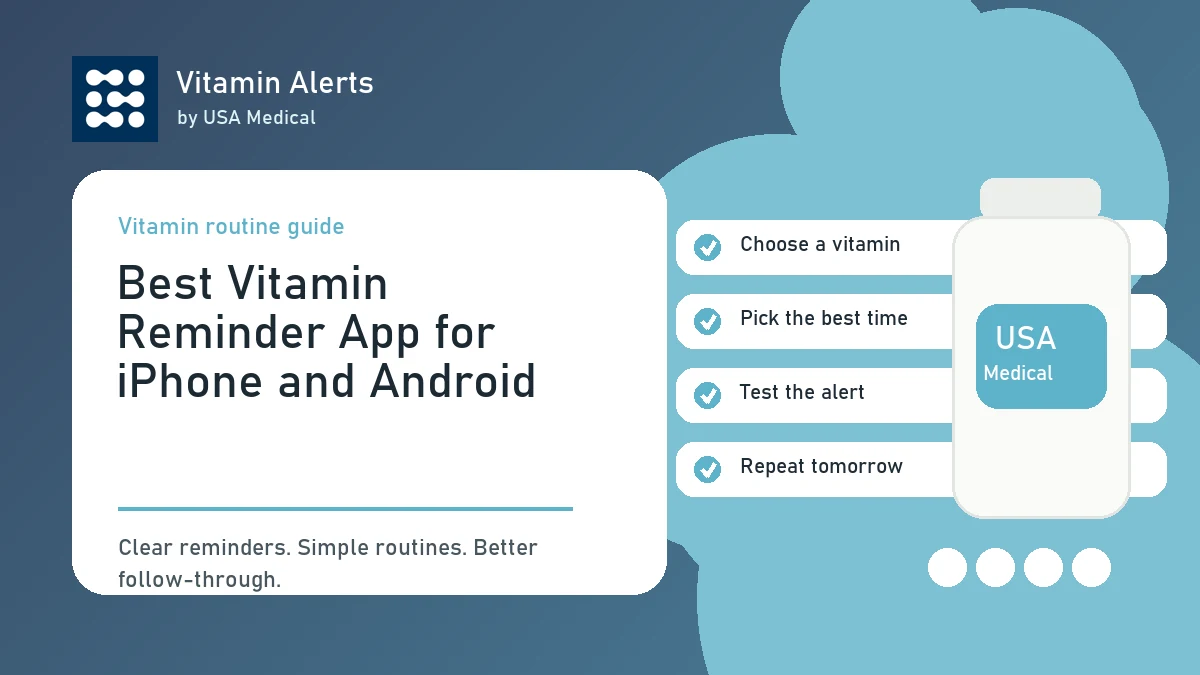
The best routine usually starts small. Vitamin Alerts is designed to help users add one vitamin, choose a routine time, test an alert, and continue into the full app. This is important because adding every supplement at once can make the habit feel overwhelming. A better first setup:
- Add your most important daily vitamin
- Choose the time you are most likely to take it
- Test the reminder
- Use it for a few days
- Add the rest of your routine later
Best Features to Look for in an iPhone or Android Vitamin Reminder App
For a related next step, read use Vitamin Alerts and keep building the routine one clear habit at a time. The most useful features are the ones that help the habit survive real life.
Custom Reminder Times
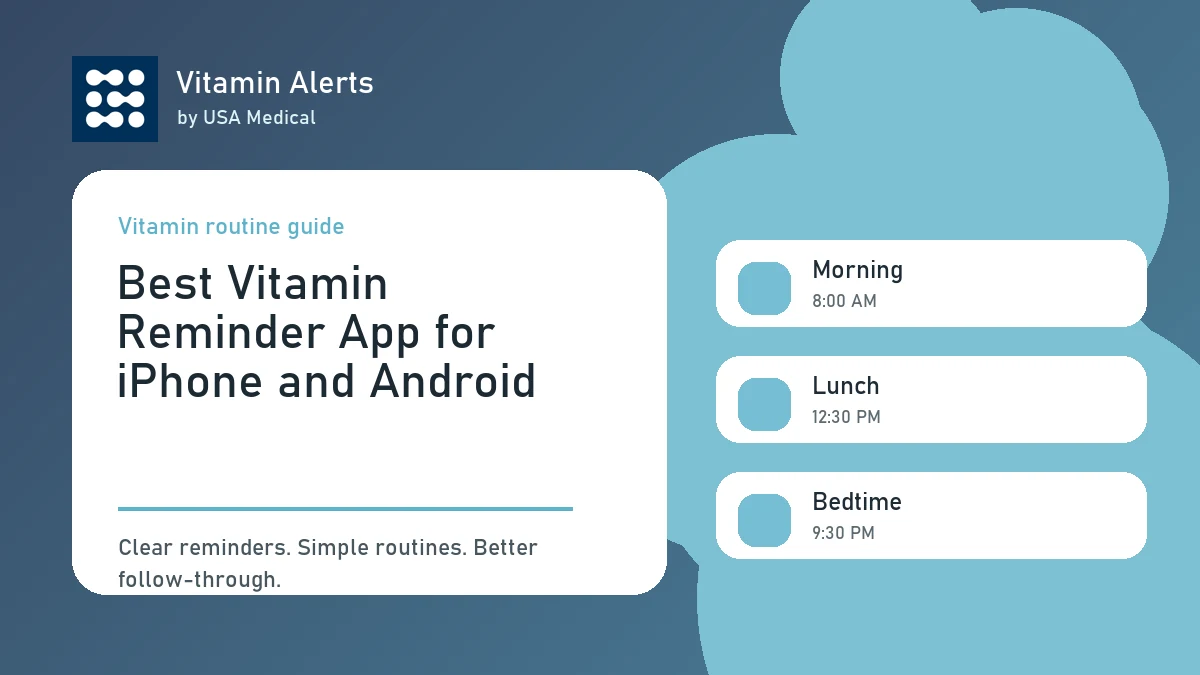
A good vitamin app should let you choose times that match your actual day. Vitamin Alerts supports routine-style scheduling such as morning, lunch, evening, bedtime, breakfast, dinner, and custom times. This makes the reminder feel connected to a real habit instead of a random notification. Good reminder examples:
- Take vitamins with breakfast
- Take magnesium at bedtime
- Take omega-3 with dinner
- Take supplements after lunch
- Take daily routine after coffee
Custom Alert Style
Notifications only work if you notice them. Vitamin Alerts includes alert customization, including bundled sounds, sound intensity, test alerts, custom wording, and grouped or separate alerts for same-time supplements. This matters because generic alerts are easy to ignore. A strong reminder should be:
- Clear
- Specific
- Noticeable
- Easy to act on
- Not overloaded with unnecessary health details
Daily Wellness Check-Ins
Vitamin Alerts also includes optional daily check-ins. These can help users connect supplement habits to simple routine notes without turning the app into a medical record. Check-ins may include water, protein, movement, sleep, mood, energy, stress, digestion, or notes. This is useful because vitamins usually work best as part of a larger routine. Remembering supplements is one piece. Hydration, food, movement, sleep, and consistency also matter.
iPhone and Android Notification Tips
Even the best reminder app depends on your phone settings.
iPhone Reminder Settings
On iPhone, notifications can be affected by app permissions, Focus Mode, Sleep Mode, Do Not Disturb, notification summaries, and lock screen settings. If vitamin reminders are not showing, check:
- Notifications are allowed for the app
- Focus Mode is not blocking alerts
- Sleep Mode does not silence the reminder
- Sounds or banners are enabled
- The reminder time is correct
- Your timezone is correct
Android Reminder Settings
On Android, notifications can also be affected by app permissions, notification categories, Do Not Disturb, battery settings, and lock screen controls. If reminders are not showing, check:
- Notifications are allowed
- The app is not silenced
- Do Not Disturb is not blocking reminders
- The schedule time and timezone are correct
- Battery settings are not limiting app activity
- The device is registered for push alerts if needed
How to Start Using Vitamin Alerts
For a related next step, read set supplement reminders on your phone and keep building the routine one clear habit at a time. The easiest way to start is with one supplement and one reminder.
Step 1: Join the Mobile Beta
You can request iPhone beta access or join the Android internal test while the public store listings are being prepared. Start using Vitamin Alerts Choose the option that fits your device:
- Request iPhone beta access
- Join the Android internal test
- Create your account
- Start building your first routine
Step 2: Add Your First Vitamin
Start with the supplement you most want to remember. This could be a multivitamin, magnesium, vitamin D, omega-3, collagen, ashwagandha, or any daily product you keep forgetting. Add one first, then build from there.
Step 3: Choose a Routine Time
Pick the time when you can actually take action. Strong routine anchors include:
- Coffee
- Breakfast
- Lunch
- Dinner
- Bedtime
- Brushing your teeth
- Filling your water bottle
Step 4: Test the Alert
Testing your alert helps make sure your phone settings are working. If the alert does not appear, check notifications, Focus or Do Not Disturb settings, timezone, and schedule details.
Why Vitamin Alerts Is a Strong Choice for iPhone and Android Users
Vitamin Alerts is built specifically for supplement consistency.
Simple Enough to Use Daily
The best vitamin reminder app should not feel like homework. Vitamin Alerts focuses on the core routine: supplements, schedules, alerts, and optional check-ins. That simplicity is a strength. If an app is too complicated, users stop using it. If the app is simple, it has a better chance of becoming part of the day.
Privacy-Conscious and Non-Medical
Vitamin Alerts is not a medical device and does not provide medical advice. That boundary matters. The app is for supplement schedules, reminders, and optional wellness notes. Users should still follow product labels and professional guidance when needed. Vitamin Alerts also states that it does not sell personal information or use routine/check-in data for third-party advertising or cross-app tracking.
Made for the Real Supplement Customer
The strongest reason to use Vitamin Alerts is simple: it is built around what happens after someone buys supplements. The bottle arrives. The intention is there. The problem is remembering. Vitamin Alerts helps close that gap.
Conclusion: The Best Vitamin Reminder App Is the One You Actually Use
The best vitamin reminder app for iPhone and Android is not the most complicated app. It is the one that helps you take your vitamins consistently. Vitamin Alerts by USA Medical is built for supplement routines: add your vitamins, choose routine times, customize alerts, test notifications, use optional daily check-ins, and keep the habit going. The iPhone and Android apps are in beta testing before public store launch. If you are looking for a simple app to remember vitamins, start with one supplement, set one reminder, and build from there.
FAQ
What is the best vitamin reminder app for iPhone and Android?
The best vitamin reminder app is one that helps you add supplements, set realistic reminders, customize alerts, and build a routine you can repeat. Vitamin Alerts is designed specifically for supplement routines.
Is Vitamin Alerts available on iPhone?
Vitamin Alerts has iPhone beta access available through TestFlight while the public mobile app launch is being prepared.
Is Vitamin Alerts available on Android?
Vitamin Alerts has Android beta testing available through Google Play internal testing while the public mobile app launch is being prepared.
Can I use Vitamin Alerts for supplements from other brands?
Yes. Vitamin Alerts supports USA Medical products and custom supplements from other brands.
Can Vitamin Alerts remind me at bedtime?
Yes. Vitamin Alerts supports routine times such as morning, lunch, evening, bedtime, and custom schedules.
What if my vitamin reminder does not show up?
Check that notifications are allowed, your schedule is saved, the time and timezone are correct, and Focus, Sleep Mode, or Do Not Disturb settings are not blocking the alert.
Is Vitamin Alerts a medical app?
No. Vitamin Alerts is a supplement schedule and reminder tool. It is not a medical device and does not provide medical advice.
Can Vitamin Alerts track daily wellness habits?
Yes. Vitamin Alerts includes optional daily check-ins for simple wellness habits such as water, protein, movement, sleep, mood, energy, stress, digestion, and notes.
Turn this guide into a real reminder routine.
Vitamin Alerts helps you add vitamins, choose routine times, test alerts, and come back to the same schedule tomorrow.
Comments
Public comments are coming later. For now, send article feedback or vitamin routine questions through the support page.
Contact support