
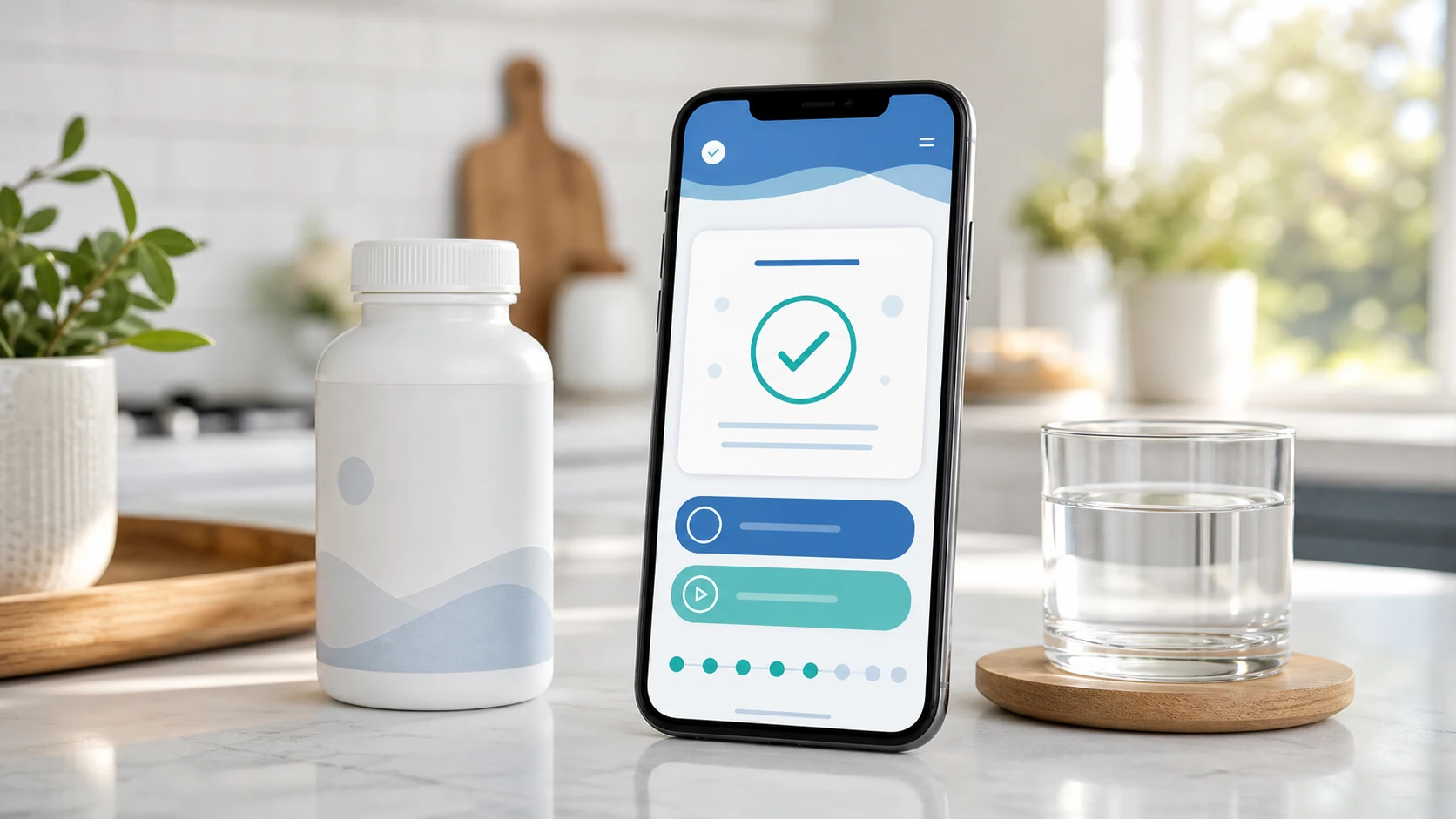
The best vitamin reminder app is not the one with the most buttons. It is the one that helps you actually take your vitamins. Many people download a reminder app because they already bought supplements, already want to feel better, and already know consistency matters. The missing piece is usually a simple system. A good vitamin reminder app should help you know what to take, when to take it, and whether you already took it. If an app makes that process easier, it is useful. If it makes the routine more confusing, it is just another notification to ignore. For a practical starting point before comparing apps, read how to remember to take vitamins.
What Is a Vitamin Reminder App?
A vitamin reminder app is a tool that helps you schedule, track, and stay consistent with your vitamins and supplements.
A Good App Should Reduce Forgetting
The main job of a vitamin reminder app is simple: help you remember.
That may sound obvious, but it matters. Many apps try to do too much. They add charts, dashboards, community features, points, streaks, and complicated profiles before solving the basic problem. The basic problem is that people forget to take what they bought.
A useful vitamin reminder app should answer four questions:
- What am I supposed to take today?
- When am I supposed to take it?
- Did I already take it?
- Am I about to run out?
If an app answers those questions clearly, it is already doing the most important work.
The best vitamin reminder app starts by making your daily supplement routine easier to remember.
A Vitamin App Is Different From a Basic Alarm
A phone alarm can remind you, but it does not manage the routine.
A basic alarm says, "Vitamins." Then you have to remember which ones, whether you already took them, whether they should be taken with food, and when the bottle is running low. That may work for one simple product, but it breaks down when your routine gets more detailed.
A vitamin reminder app should give more context than a regular alarm. It should connect the reminder to a specific supplement, serving, time of day, and completion record.
For example, a better reminder says:
- "Take morning vitamins with breakfast."
- "Take magnesium after brushing teeth."
- "Take vitamin D and mark complete."
- "Your multivitamin may be running low."
That is more useful than a random buzz on your phone.
A vitamin reminder app should turn a vague alert into a clear action.
A vitamin reminder app is valuable when it removes confusion and helps you follow through.
The Most Important Vitamin Reminder App Features
The best features are the ones that make consistency easier.
Custom Supplement Reminders
Custom reminders are the foundation of any vitamin reminder app.
A good app should let you create reminders based on your actual routine. That means you should be able to choose the supplement name, serving schedule, time of day, and frequency.
Look for reminders that support:
- Daily supplements
- Morning and night routines
- Weekly supplements
- Multiple reminders per day
- Custom reminder labels
- Different schedules for different products
This matters because supplement routines are not always identical. One person may take everything with breakfast. Another may take a morning multivitamin and an evening magnesium supplement. Another may use powders, gummies, capsules, or occasional products.
The app should fit the routine, not force every user into the same schedule.
Custom reminders help your vitamin app match your real life instead of a generic routine.
Simple Dose Tracking
A reminder is only half the system. Tracking is the other half.
Dose tracking means you can mark a vitamin as taken after you take it. This is one of the most important features because it solves a common problem: "Did I already take that today?"
Good tracking should be fast. You should not have to open five screens or fill out a long form. Ideally, you tap once and the dose is marked complete.
A strong vitamin tracker should show:
- What is due today
- What has already been taken
- What was missed
- What is coming next
- Your recent consistency
This creates clarity. Instead of guessing, you know.
Dose tracking turns your vitamin reminder into a reliable record.
Flexible Scheduling
A good vitamin app should support real human schedules.
People do not all take vitamins at exactly 8:00 AM every day. Some people work nights. Some skip breakfast. Some travel. Some take supplements only on certain days. Some want a gentle reminder after coffee, while others need evening reminders after brushing their teeth.
Look for flexible scheduling options such as:
- Daily reminders
- Specific days of the week
- Multiple times per day
- Morning, afternoon, evening, and bedtime labels
- Snooze options
- Missed dose follow ups
- Pause or vacation mode
Flexibility matters because rigid reminders are easier to ignore. If the alert comes at the wrong time every day, the app trains you to dismiss it.
Flexible scheduling helps the app adapt to your day instead of interrupting it at the wrong time.
If you need help choosing the time blocks first, use the vitamin schedule template to map morning, meal, evening, and bedtime routines.
Refill and Low Stock Alerts
Running out is one of the easiest ways to break a vitamin routine.
A good vitamin reminder app should help you know when your vitamins are running low. This is especially important for people who are finally becoming consistent. If the bottle runs out and you do not reorder for two weeks, the habit gets interrupted.
Low stock tracking can be simple. The app may ask:
- How many servings are in the bottle?
- How many servings do you take per day?
- When did you start?
- When should it remind you to reorder?
Then the app can estimate when your supply is getting low.
This feature is especially valuable because most people do not stop taking supplements on purpose. They stop because the routine gets disrupted.
Refill alerts help protect the habit before the bottle is empty.
The strongest vitamin reminder app features are reminders, tracking, flexible scheduling, and refill alerts.
If you are comparing real app options, read best vitamin reminder app for iPhone and Android next so you can separate useful reminder features from extra noise.
Features That Make the App Easier to Use
A vitamin app should be simple enough to use every day.
Fast Setup
The app should not make you work too hard before it helps you.
If setup takes too long, many people will quit before the first reminder ever goes off. A good vitamin reminder app should let you create your first reminder quickly.
A simple setup flow might ask:
- What vitamin do you want to remember?
- What time do you want to take it?
- How often do you take it?
- Do you want a weekly supply check?
- When should the app remind you?
That is enough to start. More advanced options can come later.
Fast setup matters because the app should help the habit begin immediately.
Clear Daily View
A good app should show your day at a glance.
When you open the app, you should quickly understand what is due, what is complete, and what still needs attention. If the daily view is cluttered, people stop using it.
A clear daily view should include:
- Today's vitamins
- Time due
- Completion status
- Missed reminders
- Upcoming reminders
- Weekly supply check prompts
This matters because users often open the app when they are busy. They need fast answers, not a complicated dashboard.
A clear daily view makes the app useful in real life.
For a concrete product walkthrough, see how to use Vitamin Alerts to add a supplement and turn it into a routine.
Smart Snooze and Follow Up Reminders
Sometimes a reminder goes off at a bad moment.
You may be driving, in a meeting, cooking, filming, working, or away from your vitamins. If the only options are "dismiss" or "ignore," the routine can break. A smarter app should let you snooze the reminder and return to it later.
Useful follow up features include:
- Snooze for 10, 30, or 60 minutes
- Remind me when I get home
- Remind me tonight
- Follow up if not marked complete
- Missed dose summary
The goal is not to annoy the user. The goal is to make the reminder recoverable. If the first alert comes at the wrong time, the second one can save the habit.
Smart follow ups help prevent one bad reminder time from turning into a missed day.
Simple Progress Tracking
Progress tracking should motivate, not shame.
Some people like streaks. Some people hate them. A good vitamin reminder app should show consistency in a way that encourages the user to return, even after missing a day.
Helpful progress tracking might show:
- Days completed this week
- Current routine consistency
- Missed days without judgment
- Monthly overview
- Best routine time
- Products taken most consistently
Avoid designs that make users feel like they failed permanently. Missing a dose should not make the app feel useless. The best approach is to help the user restart quickly.
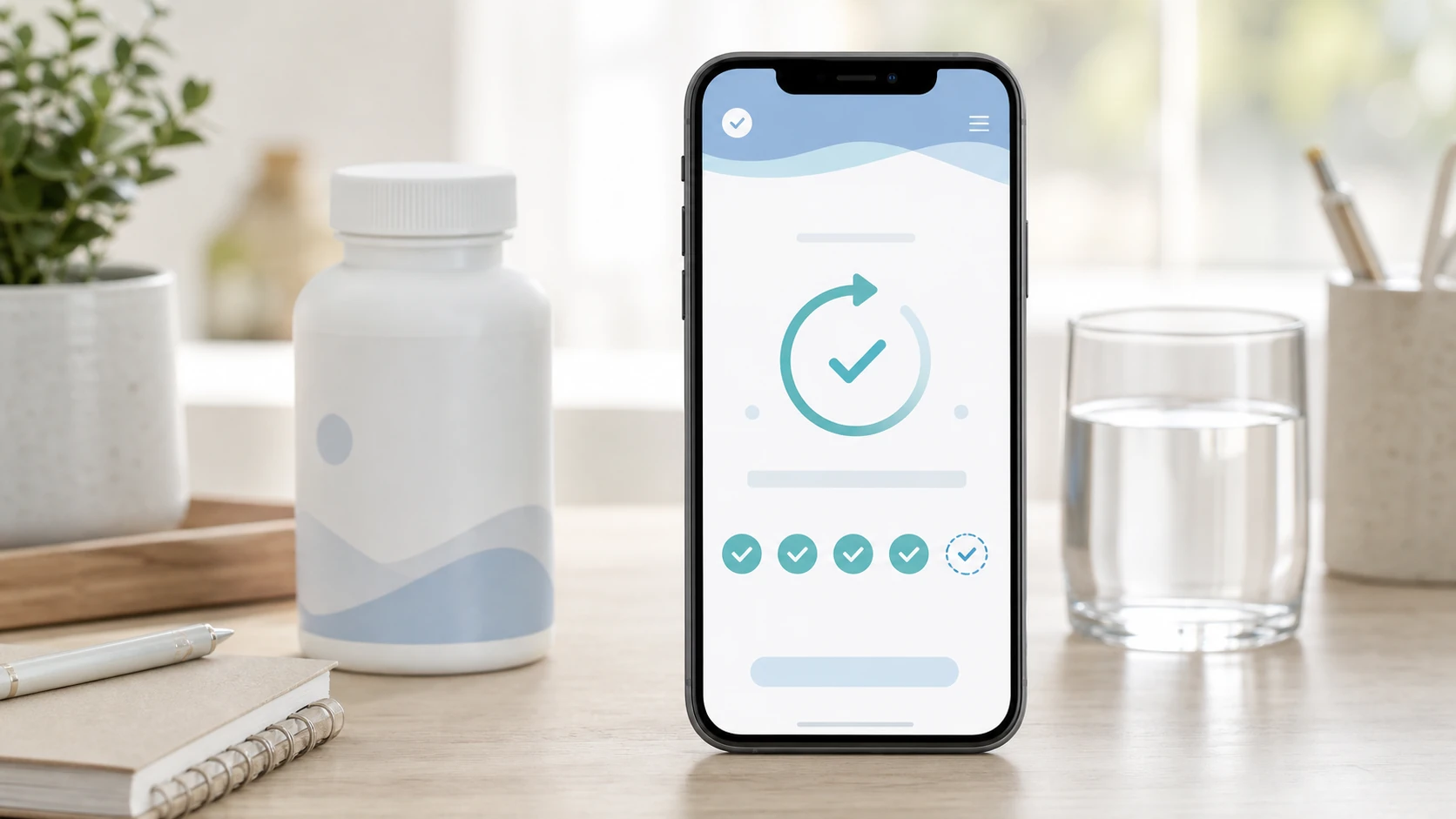
Progress tracking should help people continue, not make them feel punished.
The best usability features make the app fast, clear, forgiving, and easy to return to.
Safety and Organization Features to Look For
A vitamin reminder app should help you stay organized without creating confusion.
Supplement List and Notes
A useful app should give you one clean place to list your supplements.
This is helpful because many people do not remember every product they take. A supplement list can include the product name, serving size, time of day, notes from the label, and refill details.
If you want a lighter daily view, a daily supplement tracker can show what is worth tracking and what is not worth overcomplicating.
A good supplement profile may include:
- Supplement name
- Form, such as capsule, gummy, powder, or liquid
- Serving size
- Scheduled time
- Food note
- Storage note
- Refill estimate
The goal is not to replace the label. The goal is to help the user organize what the label says into a daily routine.
A supplement list helps turn scattered bottles into one organized plan.
Label Friendly Notes
A vitamin reminder app should make it easy to record useful label information.
For example, a user may want to note that a supplement is taken with food, taken in the evening, stored in a cool dry place, or used only on certain days. The app should not make medical decisions for the user, but it can help the user remember label based instructions.
Good note fields can include:
- Take with food
- Take with water
- Morning routine
- Evening routine
- Store away from heat
- Check label before use
This keeps the routine practical. The reminder is not just "take supplement." It is "take the right supplement in the right way according to the plan."
Label friendly notes help users follow their own supplement directions more consistently.
Missed Dose History
A missed dose history can be useful when it is simple and nonjudgmental.
If someone keeps missing the same supplement, that is information. Maybe the reminder time is wrong. Maybe the product is stored in the wrong place. Maybe the routine is too complicated. The app should help users notice patterns.
For example:
If morning reminders are always missed, try breakfast instead of wake up time.
If evening reminders are always missed, try after dinner instead of bedtime.
If one supplement is always skipped, review whether it belongs in the daily routine.
If refills are always late, set an earlier weekly supply check.
Missed dose history is useful when it helps people improve the system.
Safety and organization features should make the routine clearer, calmer, and easier to follow.
Privacy Features Matter More Than People Think
A vitamin reminder app may handle personal health related information, so privacy should be taken seriously.
Look for a Clear Privacy Policy
Before using a health or supplement tracking app, look for a clear privacy policy.
The app may store information about what supplements you take, when you take them, your health habits, your email, your device, or your reminder history. Users should know what is collected, why it is collected, and whether it is shared.
A good privacy policy should explain:
- What data is collected
- Why the data is collected
- Whether data is shared
- Whether data is sold
- How users can delete data
- How the company protects user information
If the privacy policy is vague or impossible to find, that is a warning sign.
A vitamin reminder app should be transparent about user data.
Avoid Apps That Sell Trust for Extra Features
More features are not always better.
If an app collects unnecessary information, pushes unrelated offers, or makes the user feel like their health habits are being used for aggressive advertising, it can break trust. A vitamin reminder app should be built around helping the user stay consistent, not exploiting their personal routine.
Useful features serve the user. Unnecessary features serve the app.
Choose an app that respects the sensitivity of health related routines.
Simple Data Controls
Users should be able to manage their information.
Look for basic controls such as editing supplements, deleting reminders, removing account data, changing notifications, and exporting or reviewing routine history if available.
This is especially important because a vitamin routine changes over time. People add products, remove products, pause routines, and restart later. The app should make those changes easy.
Good data controls help users stay in charge of their supplement routine.
Privacy and control are not bonus features. They are part of a trustworthy vitamin reminder app.
Features That Sound Good But May Not Matter
Not every flashy feature helps people take vitamins.
Too Many Gamification Features
Streaks, badges, points, and rewards can be motivating for some users, but they can also become distracting.
If a user misses one day and loses a streak, they may feel like the whole habit failed. A better system encourages recovery. The app should make it easy to restart after a missed dose.
Good gamification should be light, optional, and supportive.
Motivation features should help users return, not make missed days feel like failure.
Complicated Health Dashboards
A vitamin reminder app does not need to become a full health command center.
Some users enjoy data, but most people need simplicity. If the app becomes too complex, it may create more friction than value. The best dashboard is often the one that clearly shows today's routine.
Look for clarity over complexity.
A simple daily view is usually more useful than a crowded dashboard.
Features That Do Not Support the Habit
Ask one question about every feature: does this help me take my vitamins consistently?
If the answer is no, it may not matter.
A vitamin reminder app should stay focused on the core loop:
- Set the routine.
- Get reminded.
- Take the vitamin.
- Mark it complete.
- Check supply before empty.
- Repeat tomorrow.
The best app features support the habit loop directly.
Do not choose a vitamin reminder app because it looks impressive. Choose one because it makes consistency easier.
How Vitamin Alerts Fits This Checklist
Vitamin Alerts is being built around the real reason many vitamin routines fail: people forget.
Built for Supplements First
Many reminder tools are general purpose. Vitamin Alerts is designed specifically for vitamins and supplements.
That matters because supplement routines have their own needs. Users may want to track product supply, organize morning and night routines, remember serving schedules, and stay consistent without managing a complicated medical app.
The goal is simple: help people take the vitamins they already bought.
A supplement first app can focus more directly on the daily vitamin habit.
Focused on Reminders, Tracking, and Routine
The most important features for Vitamin Alerts are the ones that help users take action.
That includes:
- Daily supplement reminders
- Simple completion tracking
- Flexible routine scheduling
- Daily wellness check-ins
- Easy supplement setup
- Clear daily routine view
These features are not just nice to have. They solve the main problems vitamin users face.
Vitamin Alerts focuses first on helping users remember and confirm their routine. Supply tools are a natural future step, but the current app should still make the daily habit easier.
Designed for Real Life
A vitamin app should be useful on the busy days, not just the perfect days.
That means reminders should be easy to understand, tracking should be fast, and missed days should be easy to recover from. The app should make people feel organized, not overwhelmed.
The best vitamin app is the one people can keep using when life gets busy.
Vitamin Alerts fits the ideal reminder app category by focusing on consistency, simplicity, and the supplement routine itself.
Conclusion: The Best Vitamin Reminder App Helps You Stay Consistent
The best vitamin reminder app features are not complicated. Look for custom reminders, simple dose tracking, flexible schedules, refill alerts, a clear daily view, easy setup, privacy controls, and a design that helps you recover after missed days. A good app should make your supplement routine easier to understand and easier to repeat. If it helps you take your vitamins consistently, know what you already took, and avoid running out, it is doing its job.
FAQ
What is the best vitamin reminder app feature?
The best vitamin reminder app feature is simple dose tracking connected to reminders. It is not enough to receive an alert. You also need to mark the vitamin as taken so you know whether you completed your routine.
Is a vitamin reminder app better than a phone alarm?
A vitamin reminder app is usually better than a basic phone alarm because it can track specific supplements, show what has been taken, manage multiple schedules, and remind you when vitamins are running low.
What should I look for in a supplement reminder app?
Look for custom reminders, flexible scheduling, dose tracking, refill alerts, a clear daily view, easy setup, and strong privacy controls. The app should make your routine simpler, not more complicated.
Can a vitamin tracker app help me stay consistent?
Yes, a vitamin tracker app can help you stay consistent by reminding you at the right time, letting you mark doses complete, showing missed days, and helping you restart quickly when you forget.
Why are refill reminders important for vitamins?
Refill reminders are important because running out can break your routine. A low stock alert helps you reorder before the bottle is empty so your vitamin habit does not get interrupted.
Should a vitamin reminder app have privacy controls?
Yes, privacy controls matter because supplement routines can be personal health related information. A good app should clearly explain what data it collects, how it uses that data, and how users can manage or delete their information.
Turn this guide into a real reminder routine.
Vitamin Alerts helps you add vitamins, choose routine times, test alerts, and come back to the same schedule tomorrow.
Comments
Public comments are coming later. For now, send article feedback or vitamin routine questions through the support page.
Contact support